Connect your AI agent

Connect your AI agent through MCP (Model Context Protocol), the open standard AI assistants use to work with software. Choose access to the Agency Operating System, the Consulting Engine, or both.


Connected agent and access scope, shown with demo data.Connected agent and access scope, shown with demo data.
Connected agent and access scope, shown with demo data.
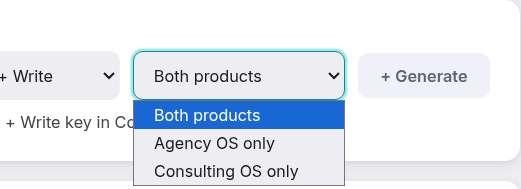
Product-scope selector, shown with demo data.Product-scope selector, shown with demo data.
Product-scope selector, shown with demo data.

You choose what it can do.

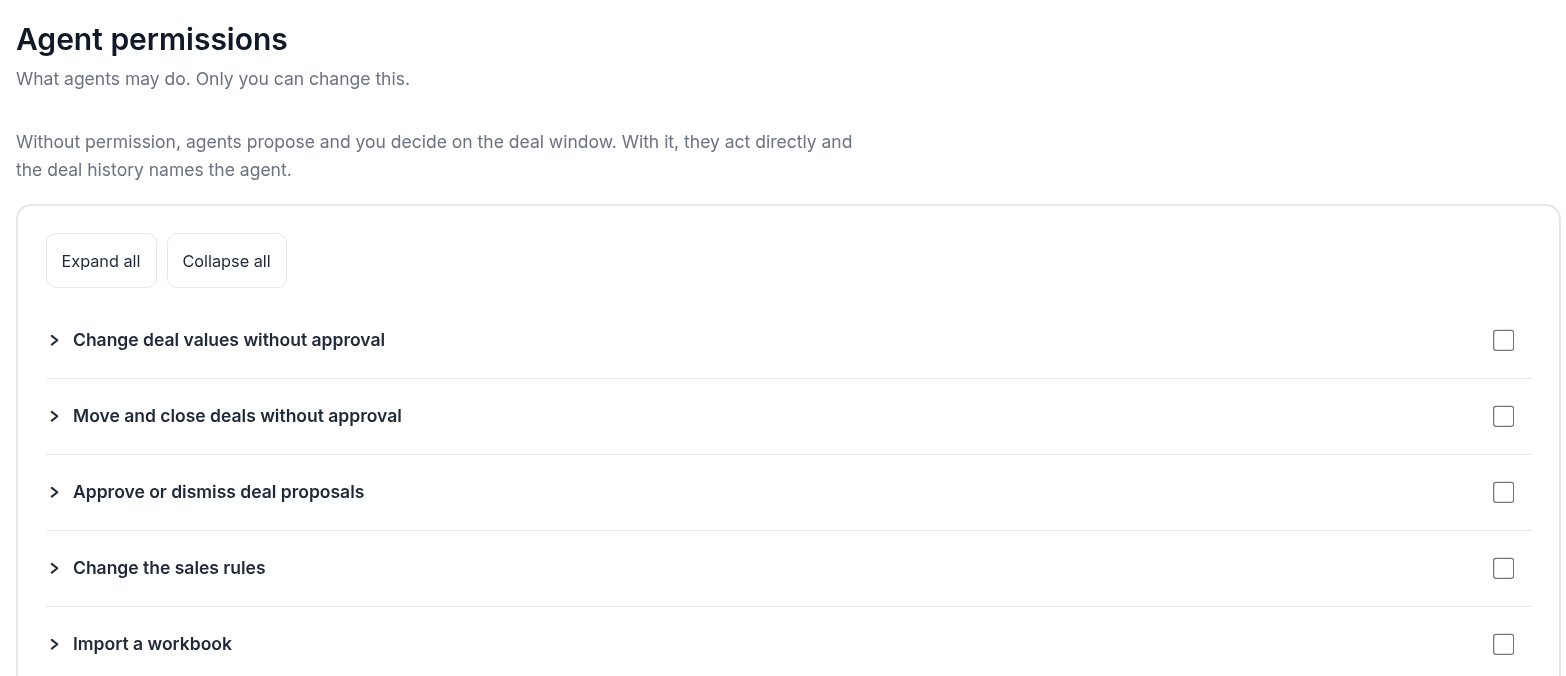
Choose read-only or read-and-write access, and limit a key to the product it needs. You set permissions for each kind of change. Without permission, the agent proposes and a person decides. Access is per account, with a key or by signing in.
A key limited to the Agency Operating System, the Consulting Engine, or both, shown with demo data.A key limited to the Agency Operating System, the Consulting Engine, or both, shown with demo data.
A key limited to the Agency Operating System, the Consulting Engine, or both, shown with demo data.
Agent permissions, shown with demo data.Agent permissions, shown with demo data.
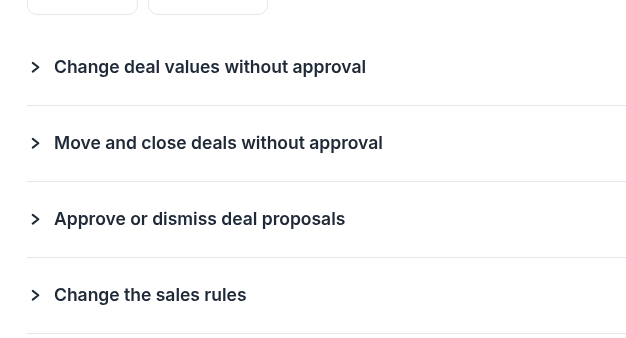
Agent permissions, shown with demo data.Permission categories, shown with demo data.

Your agent. Your access rules.

Connect the product your agent needs, then decide what it may do.